React, sandboxed
The bundle's interface renders in a sandboxed, opaque-origin iframe — isolated from the host and from your machine.
Open-source runtime · Chromium-first
The artifact format for AI-generated software: describe a tool, and the model hands you one
self-contained .vessel — UI, logic, and data inside — that runs the instant you open it, with
nothing to deploy or operate. Install the host once; any .vessel then opens by double-click,
runs, and saves back into the same file.
Installs as a PWA — runs locally, works offline after the first load (no server). Promptless save on Chromium; Firefox & Safari run degraded (open + download-to-save). · Docs →
The spreadsheet model, for web tech
The host is a small installable PWA. You set it up a single time — like installing a spreadsheet app.
A .vessel is an OPC-style ZIP (think .xlsx). UI, backend, and data travel together.
Double-click to run. Changes write straight back into the file — no export step, no server, no account.
What's inside the box
The bundle's interface renders in a sandboxed, opaque-origin iframe — isolated from the host and from your machine.
An ordinary FastAPI backend runs in Pyodide (CPython compiled to WebAssembly). fetch is bridged straight to ASGI.
State lives in a real SQLite database — and that database travels inside the .vessel. The file is the document.
One theme system, every tool
Tools don't hardcode colors — they style with the host's --vessel-* tokens, so every tool follows
the host's light/dark and chosen theme automatically. Switch them here and watch it re-theme live:
The same tokens a bundle reads — see the authoring skill.
Build one with your AI
Authoring a .vessel has a few non-obvious rules — an async-only Python backend, a single-file
UI, declared packages. Hand your AI agent the Vessel authoring skill and it produces valid bundles, correct
manifest and all.
Follow the Vessel authoring skill, then build me a .vessel tool:
https://getvessel.dev/skills/vessel-author/SKILL.md
Paste that into Claude or your agent, or
read the skill.
Prefer a CLI? npm i -g vessel-cli, then vessel new /
dev / build.
Run it yourself
Prefer not to depend on getvessel.dev? The host is a static app with no backend — build and serve it yourself and it runs identically (and offline). Same code, your origin.
git clone https://github.com/apollo-orbit-dev/vessel.git
cd vessel
npm install
npm run build -w @vessel/host
npm run preview -w @vessel/host
Then open the printed http://localhost:4173/app/ in Chromium and install the PWA —
localhost is a secure context, so file handling + install work. Full guide in the
docs.
The safety claim
Opening a .vessel is no more dangerous than opening a web page.
Bundle code is boxed twice — a sandboxed iframe around the UI, a WASM sandbox around the Python — with default-deny network egress and a manifest allowlist. The host never hands its writable file handle to bundle code. Bundles can be Ed25519-signed so you can see who published them.
Fifteen example tools
Real .vessel files — each a FastAPI + SQLite backend and a self-contained UI, with full
create / edit / delete. Download one and open it in the host. The last five are aimed at developers.
Local-first money — transactions, categories, a trend + forecast chart.
Download .vessel ↓SM-2 spaced repetition — edit the deck, study, and rate.
Download .vessel ↓Real SQL filter/sort over thousands of rows; import your own CSV.
Download .vessel ↓A fully editable invoice template with live totals and print-to-PDF.
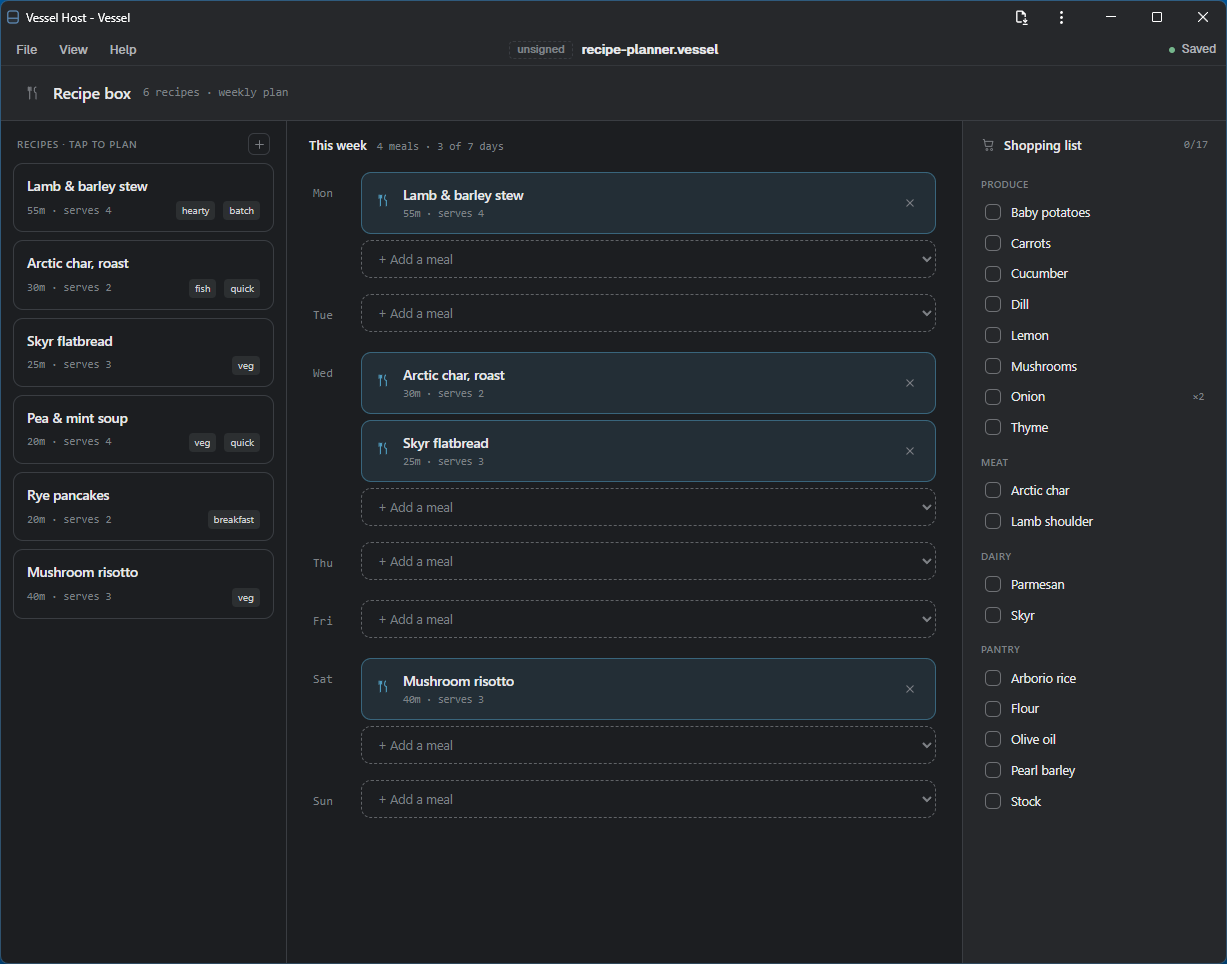
Download .vessel ↓Recipes plus a weekly plan; a shopping list built from the plan.
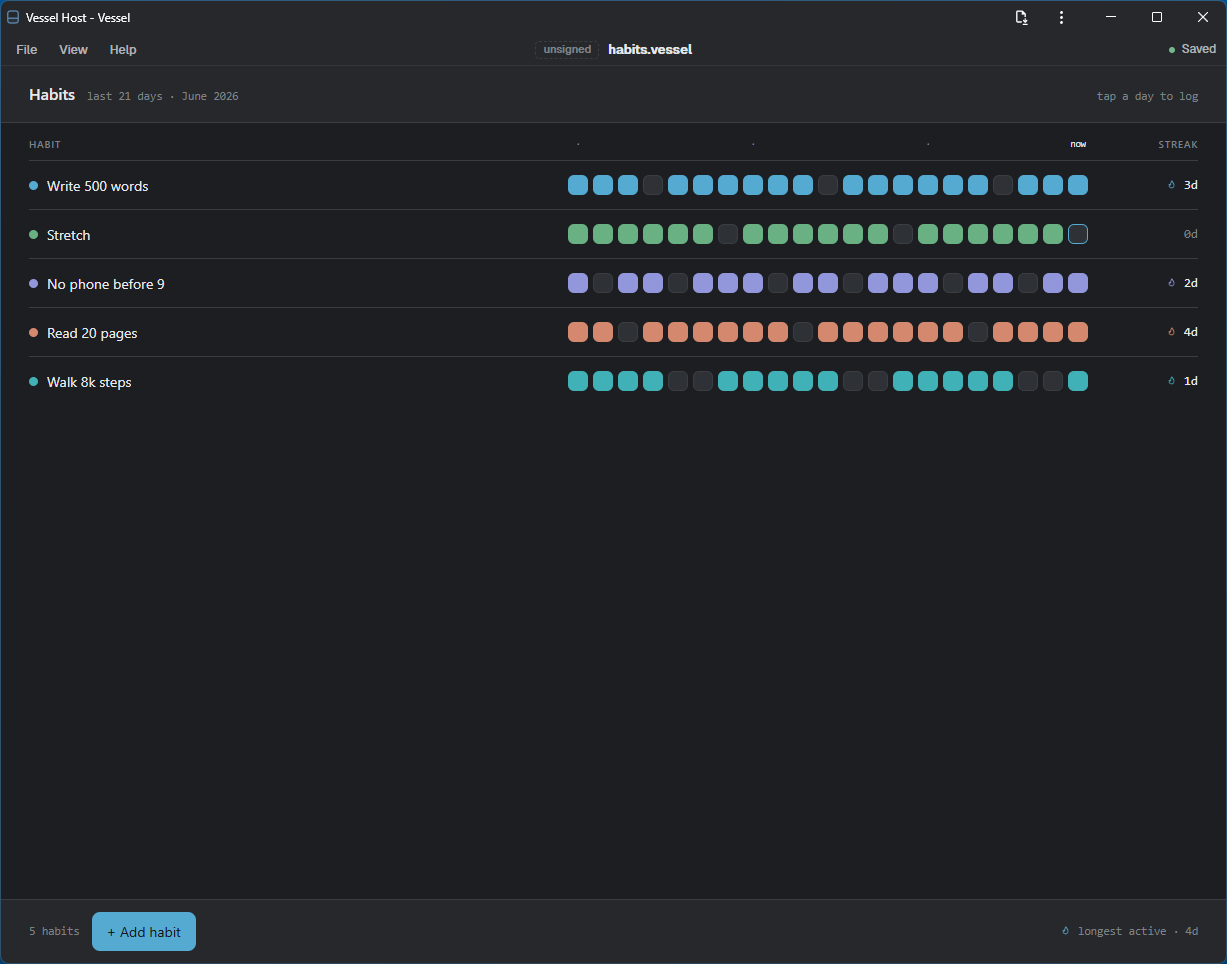
Download .vessel ↓A 21-day habit grid with streaks you tick off day by day.
Download .vessel ↓Contacts with a genuine “haven’t talked in 90 days” SQL query.
Download .vessel ↓A pipeline board: Applied → Screen → Onsite → Offer.
Download .vessel ↓Sets, PRs, reusable routines, and a training-volume chart.
Download .vessel ↓A dated journal with SQLite full-text search and match highlighting.
Download .vessel ↓Open any .sqlite file — browse tables, run SQL, see an auto-generated ER diagram.
Test patterns with the real Python re engine; save a pattern library that travels in the file.
Decode and verify JWTs (HMAC + RSA/ECDSA) locally — the token never leaves the file.
Download .vessel ↓Convert & validate JSON / YAML / TOML, with a path query — all on your machine.
Download .vessel ↓A mini-Postman whose Python backend makes the real calls (no CORS wall); collections live in the file.
Download .vessel ↓Need the host first? Get it → · or read the source.
See it running
Real .vessel tools open in the host — same chrome, your data inside the file.
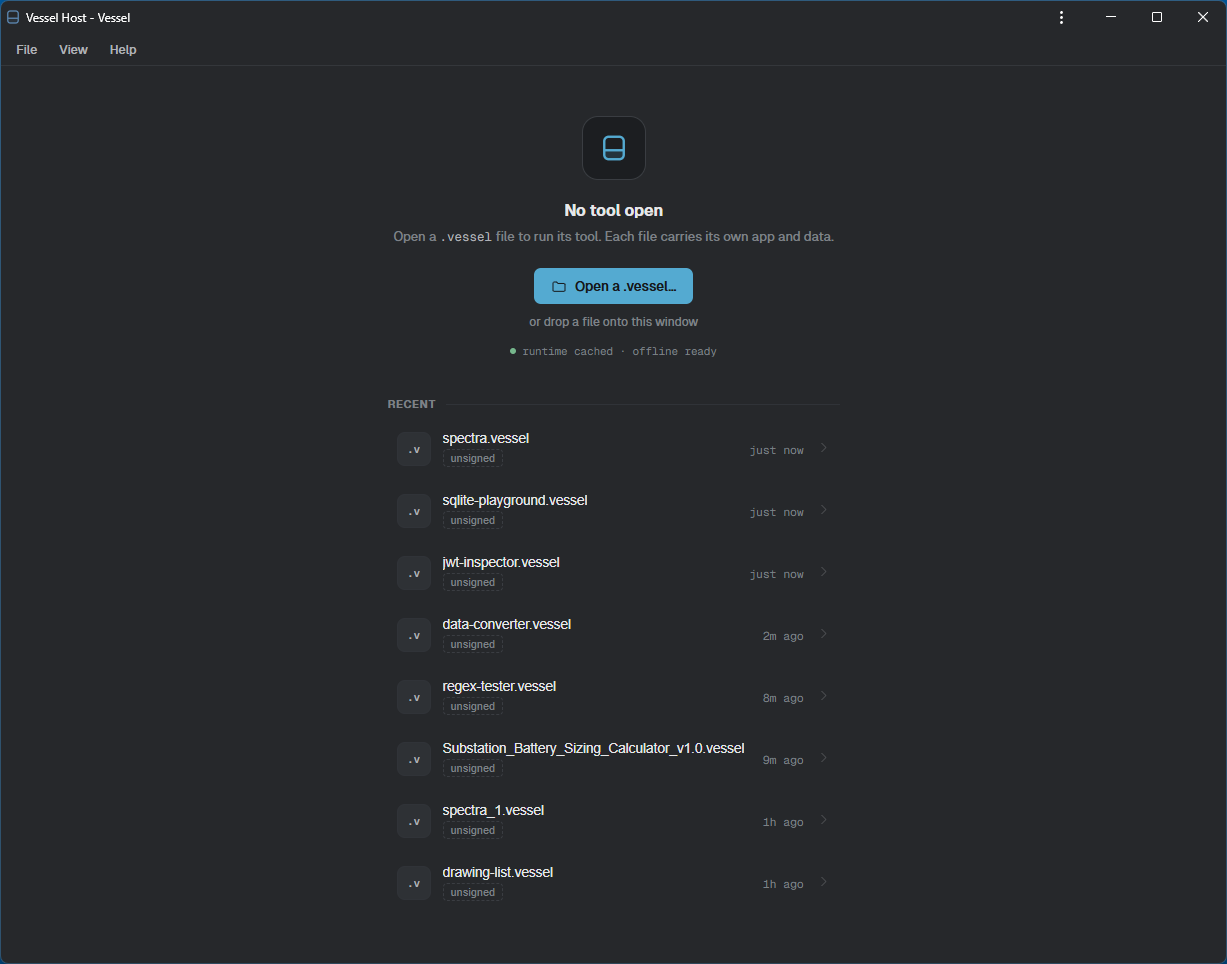
.vessel and it runs offline.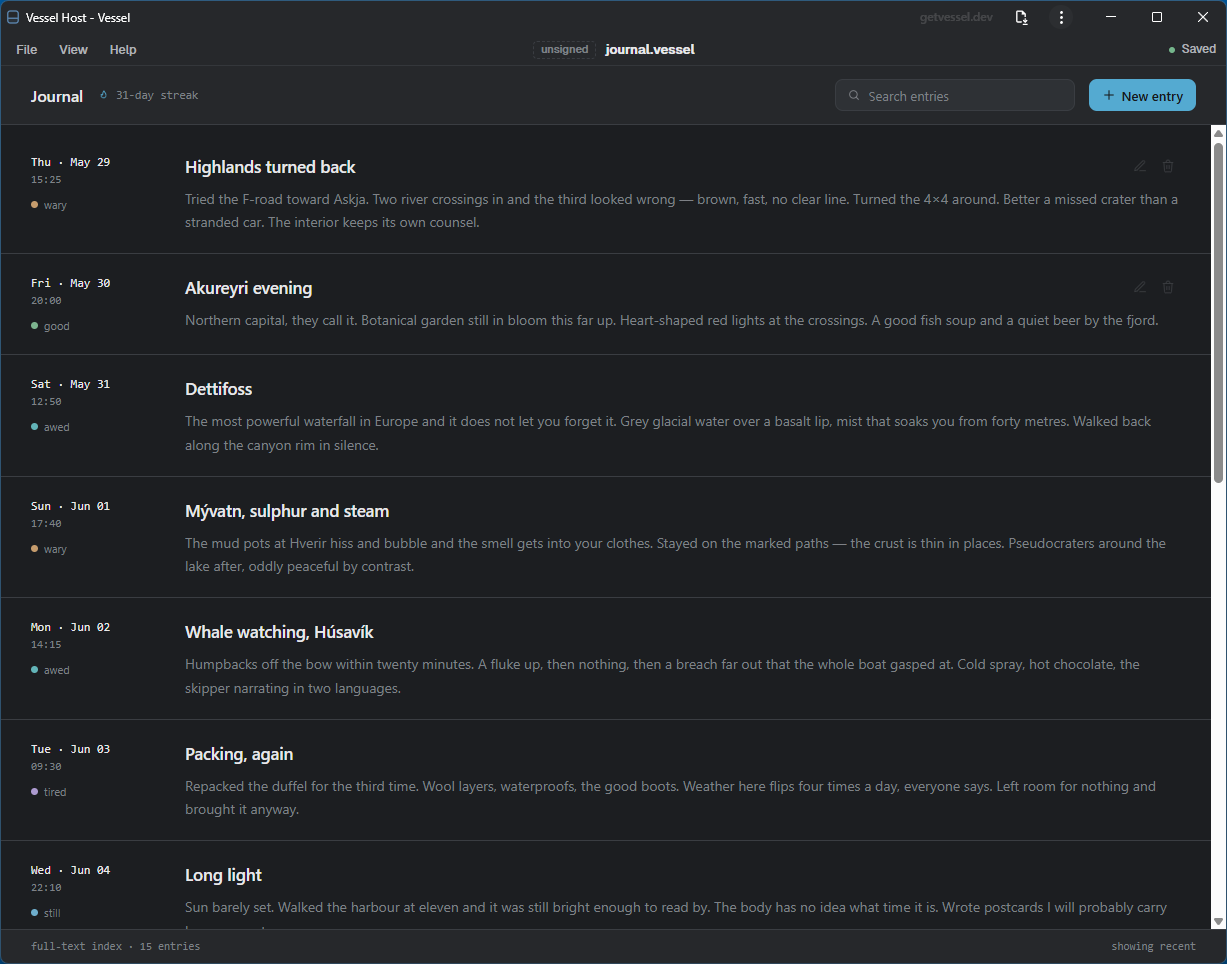
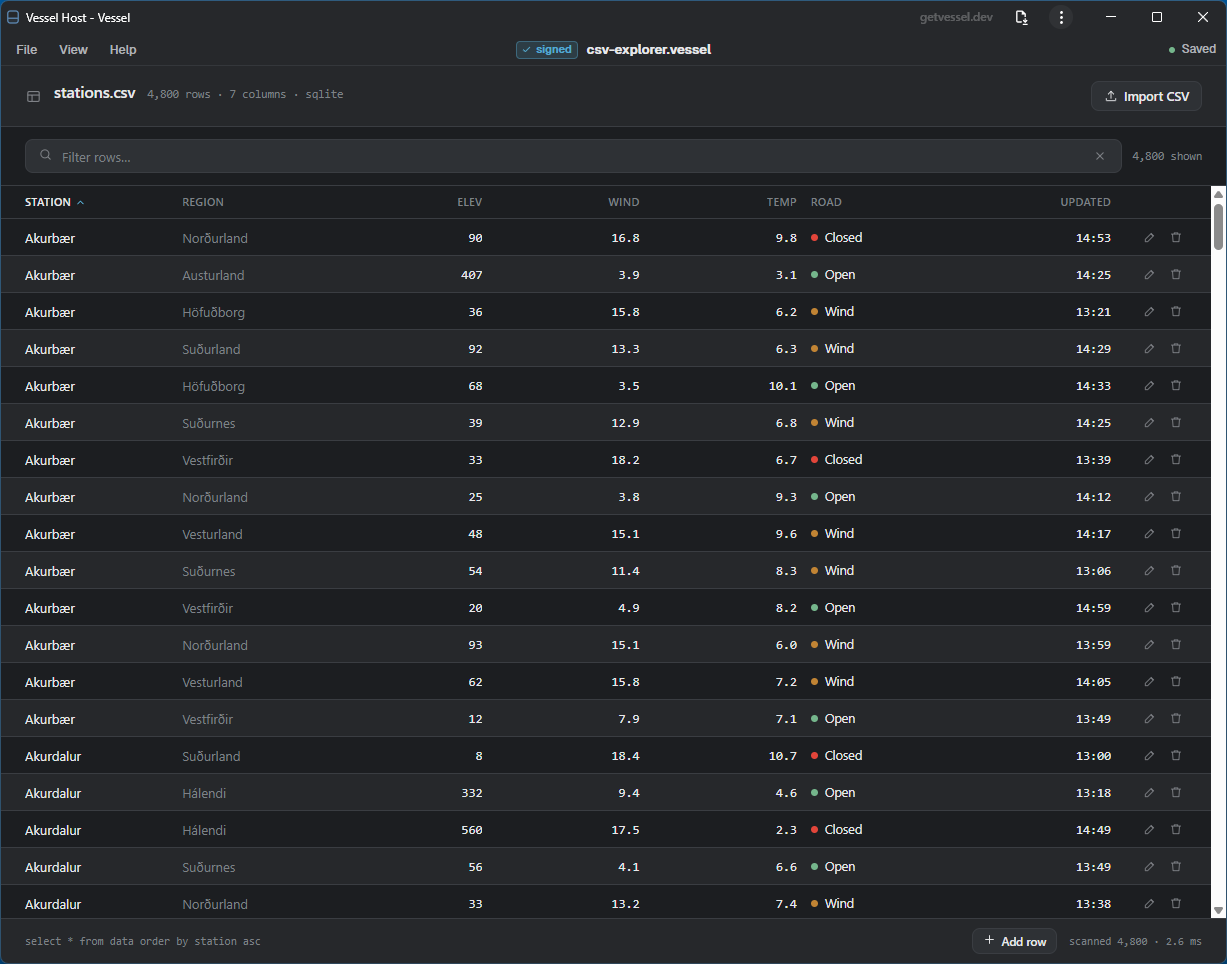
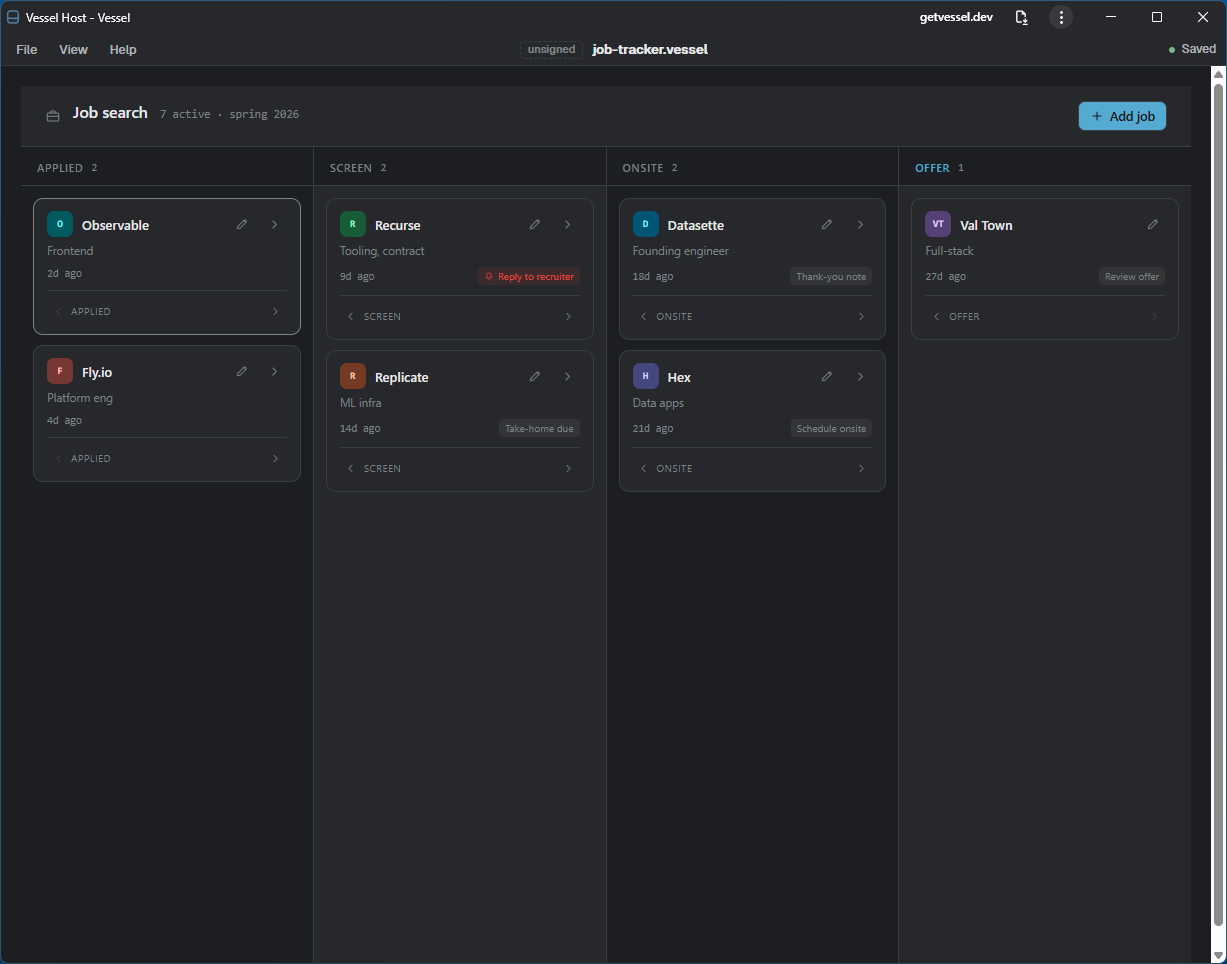
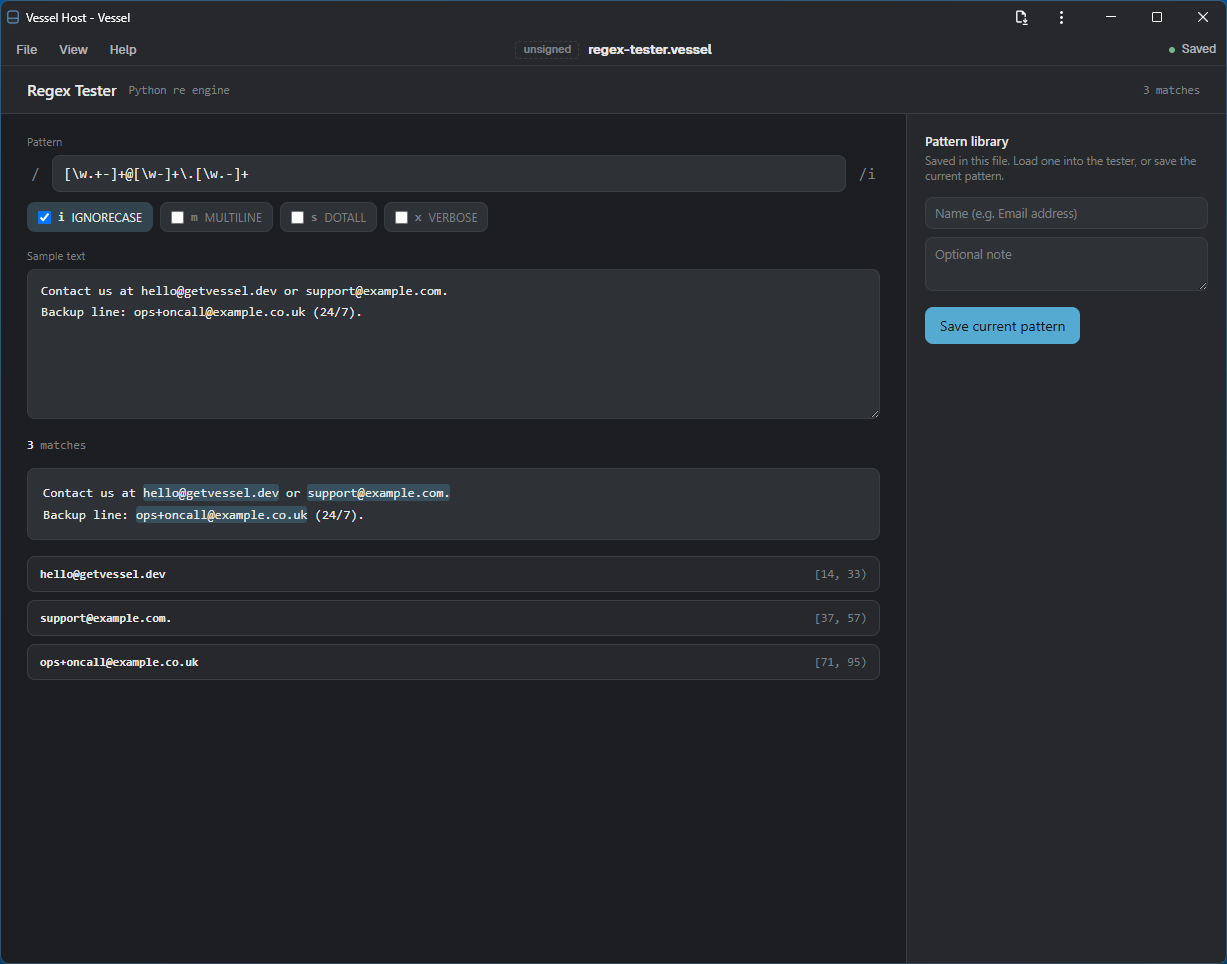
re engine, library saved in the file.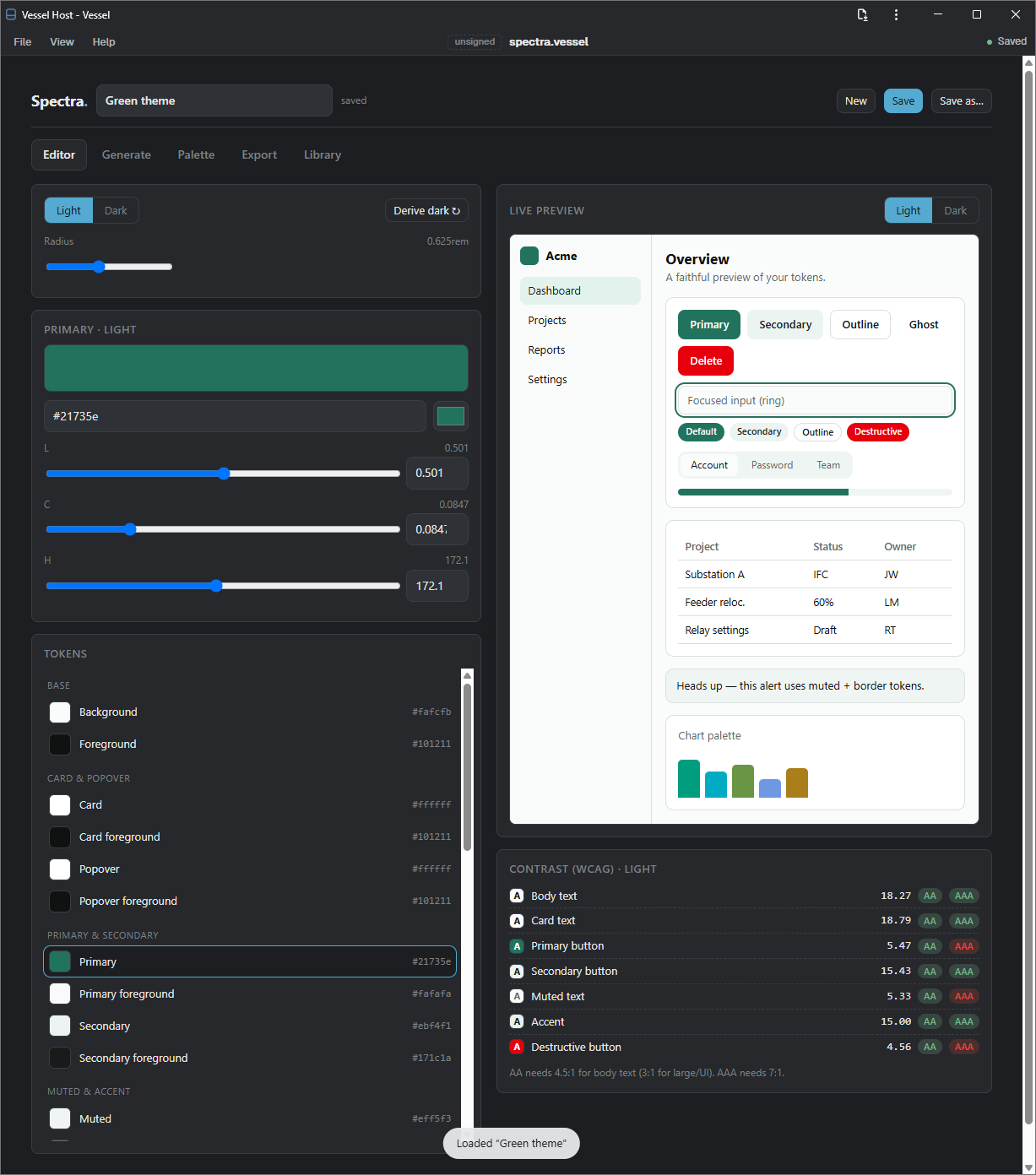
.vessel.